What Is Decentralised Storage? IPFS Explained for Beginners
# What Is Decentralised Storage? IPFS Explained for Beginners
Decentralised storage is a different way of keeping files online. Instead of storing a file on one company's server, it is spread across many independent computers on a network. The best-known example is IPFS, short for the InterPlanetary File System, and understanding it will help you make sense of Web3, NFTs, and many blockchain apps you will meet as a beginner in India.
This guide explains decentralised storage in plain language: how it differs from the storage you already use, how IPFS finds files without a central server, what it can and cannot do, and the safety habits that matter before you upload anything.
> Educational content only. This is not financial advice. Crypto markets are volatile — never invest money you can't afford to lose.
How the Storage You Already Use Works
When you upload a photo to a cloud drive or watch a video on a streaming app, the file usually lives on servers run by one company. That company decides who can see it, when it can be deleted, and what happens if its servers go down. This model is called centralised storage, and it works very well for everyday use: it is fast, familiar, and someone is responsible for keeping your files safe and backed up.
But it has a single point of control. If the company's servers fail, your file may be temporarily unavailable. If the company closes your account, you may lose access. And if a link to a file breaks because the file was moved or deleted, everyone using that link hits a dead end. In India, this is the experience most people know from Google Drive, phone galleries backed up to the cloud, and company websites.
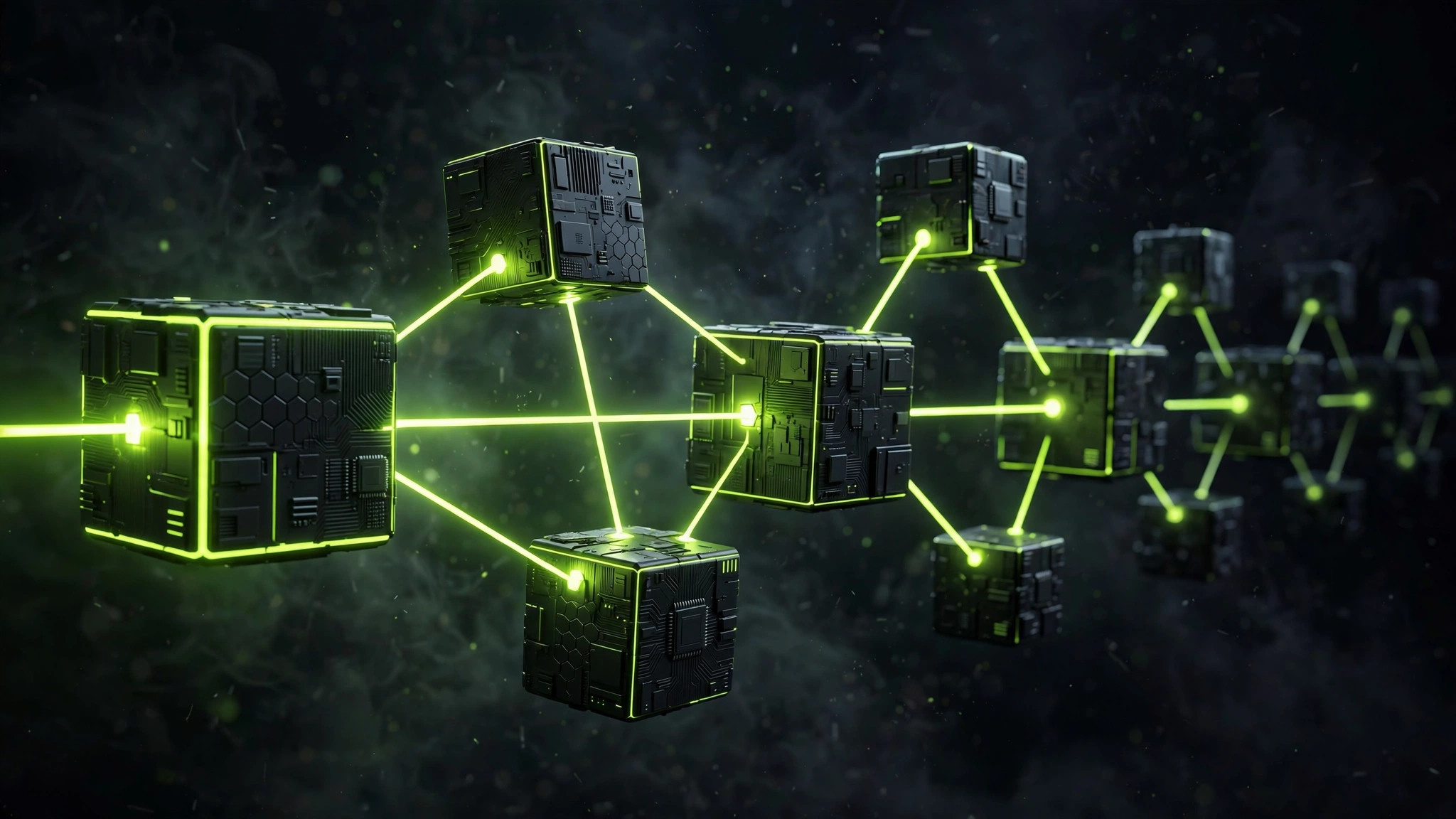
Decentralised storage tries to remove that single point of control. There is no one central server and no one company that holds every copy. Instead, many participants each hold pieces of the network, and the system is designed so that a file can still be found even if some participants go offline.
What Decentralised Storage Actually Means
Decentralised storage means the job of storing and serving files is shared. When a file is added to a network like IPFS, it can be held by more than one computer, called a node. Anyone running a node can choose which files to keep. A person asking for a file does not need to know which specific computer holds it — the network finds a copy.
This is different from simply having backups. A backup is still usually controlled by one person or company. In a decentralised network, control is spread out: no single participant can delete every copy, change the file for everyone, or switch off the whole network on their own.
That said, decentralised does not mean unowned, anonymous, or free of rules. The computers on the network are run by real people and organisations, and laws about illegal content still apply. Decentralisation changes who controls the copies — it does not remove responsibility for what is shared.
How IPFS Finds a File Without a Central Server
The clever idea at the heart of IPFS is content addressing. On the normal web, you find a file by its location: a web address that points to a particular server. If the file moves, the address breaks. IPFS turns this around. You find a file by what it contains, not where it sits.
When a file is added to IPFS, the network creates a unique fingerprint for its contents, called a CID (Content Identifier). Think of it like a fingerprint for a document: change even one letter inside the file, and the fingerprint changes. When you ask the network for a file, you ask for it by its CID, and any node holding a matching copy can serve it to you.
This has two useful consequences for beginners to understand. First, you can check that the file you received is the file you asked for, because its fingerprint must match. Second, the same file can be served by many different computers, so there is no single server that must stay online for the link to work.
In practice, most beginners meet IPFS through a gateway. A gateway is a normal website that fetches an IPFS file for you and shows it in your browser, so you do not need to install anything. You paste or click a link containing a CID, the gateway finds a copy on the network, and the file loads like any web page.
Pinning: Why Files Do Not Stay Forever by Default
One of the most misunderstood parts of IPFS is permanence. Uploading a file does not guarantee that it will stay available forever. A node only keeps a file while it chooses to, a process called pinning. Unpinned files can be cleared away over time to make room for other data, in a clean-up process similar to emptying a temporary folder.
This matters in two practical ways. If you are following a project that says its files are "on IPFS forever", ask who is pinning them. A project that pays a pinning service, or has many supporters pinning its files, is much more durable than a project where a single laptop holds the only copy. And if you upload something yourself, do not assume it is safely backed up: unless you pin it on your own node or pay a pinning service, it may quietly disappear.
Pinning services are businesses that keep your files available on IPFS for a fee, often with a small free allowance. They are convenient, but they reintroduce a familiar trade-off: you are again trusting a company to keep your files online, even though the underlying network is decentralised. That is not a flaw — it is simply how the pieces fit together in real life.
IPFS vs Blockchain: Related, but Not the Same Thing
Beginners often mix up IPFS and blockchains because they appear together so often. It helps to keep their jobs separate.
| IPFS | Blockchain | |
|---|---|---|
| Main job | Store and share files | Record transactions in a shared ledger |
| What it stores | Files, images, web pages, data | Transaction history and ownership records |
| How files are found | By content fingerprint (CID) | By transaction and block records |
| Does it stay forever? | Only while someone pins it | Records are designed to be hard to change |
| Needs a token? | No, for basic reading | Depends on the chain and the action |
Where Decentralised Storage Is Actually Used
Decentralised storage is not just theory. It already appears in places an Indian beginner may encounter.
NFT projects use it to store artwork and metadata so that the files are not tied to one company's server. Web3 developers use it to host app front-ends and documents that they want to keep available without a single host. Researchers and archivists experiment with it for datasets that many institutions want to mirror. And some messaging and social apps use it in the background to store media without routing everything through one central server.
For Indian users, the most relevant angle is learning and building. India has a large developer community working on Web3 projects, and understanding IPFS helps you judge those projects more clearly. When a project claims its data is decentralised, you can now ask the right follow-up questions: who pins the data, how many copies exist, and what happens if the main team stops paying for pinning?
The Limits and Risks Beginners Should Know
Decentralised storage is useful, but it is not magic. Keep these limits in mind.
First, there is no customer support desk for the whole network. If you lose a file that nobody pinned, there is no company to call to restore it. Your own backups still matter, just as they do with any cloud service.
Second, public does not mean private. Anything uploaded to a public IPFS network can be copied by anyone who finds its CID, and copies can spread beyond your control. Never upload personal documents, identity proofs, private photos, passwords, or recovery phrases to IPFS or any public storage network. For private files, use encrypted storage you control — and even then, think twice before putting sensitive material anywhere online.
Third, content on a decentralised network is hard to remove completely. If someone uploads harmful or illegal material, taking down one copy does not delete every copy held by other nodes. Gateways can block specific content, but the underlying network has no single delete button. This is a genuine trade-off of the design, not a detail to gloss over.
Fourth, scams use the same tools. Fraudsters may share IPFS links in Telegram or WhatsApp groups that promise free tokens, fake investment dashboards, or "official" documents. An IPFS link looks technical and trustworthy, but the network does not verify that a file is honest. Treat an IPFS link like any other unknown link: do not connect your wallet, do not enter personal details, and verify the source through an official channel before trusting it.
Finally, speed and availability vary. A popular file held by many nodes loads quickly. A rare file held by one offline computer may not load at all. Decentralised storage trades the reliability of a big company's servers for independence from any single company, and that trade-off shows up in everyday performance.
Decentralised Storage vs Centralised Storage at a Glance
| Feature | Centralised storage | Decentralised storage (IPFS) |
|---|---|---|
| Who holds the file | One company | Many independent nodes |
| How you find it | Web address pointing to a server | Content fingerprint (CID) |
| If one server fails | File may go offline | Other copies may still serve it |
| Who can delete every copy | The company | Nobody alone — all holders would need to drop it |
| Privacy | Depends on the company's policy | Public by default — anyone can copy it |
| Support if something goes wrong | Company support | No central support desk |
A Safe Way to Explore IPFS as a Beginner
You do not need to buy anything to learn. Start by reading: open a public gateway link shared by a reputable educational source and notice how the address contains a CID rather than a company domain. Try comparing the same file through two different gateways to see that the content matches.
If you want to go further, you can run your own node on a computer, but that is optional and not needed for understanding. Before uploading anything, decide whether the file is truly meant to be public, whether you are comfortable with copies spreading, and who will pin it afterwards. A good first upload is a small, non-sensitive test file — never a personal document.
Keep your records as you would for any crypto activity. If you later buy, sell, or receive tokens or NFTs connected to files stored on IPFS, keep notes of the dates, amounts in INR, and transaction references. Tax note: crypto tax rules can change — the 30% tax rate and 1% TDS described on this site were current as of September 2026. Verify the latest rules before filing.
Conclusion: The Question to Ask About Any "Decentralised" Claim
Decentralised storage through IPFS is a genuinely useful idea: files found by what they contain, served by many computers instead of one, and harder for any single party to change or switch off. But its promises come with conditions — files last only while someone pins them, public uploads can be copied, and there is no central helpdesk.
The next time a project tells you its data is decentralised, you now know the question that matters most: who is actually keeping the copies, and for how long? Answer that, and you will see past the buzzword to the real design underneath. For a beginner in India, that single habit — asking who holds the copy — is worth more than memorising any technical term.
Start with reading and exploring through a gateway, keep personal files off public networks, and build your understanding one concept at a time. That is how decentralised storage stops being a mystery and becomes one more tool you can judge for yourself.
Frequently asked questions
Is IPFS the same as a blockchain?
No. A blockchain is a shared ledger that records transactions in linked blocks, while IPFS is a storage and file-sharing network. They are often used together — for example, an NFT may record ownership on a blockchain while its image file is stored on IPFS — but they solve different problems and neither one replaces the other.
Does uploading a file to IPFS make it permanent?
Not automatically. A file stays available on IPFS only while at least one computer on the network keeps a copy, a process called pinning. If nobody pins it, it can disappear from the network over time. Permanence on IPFS comes from people choosing to keep copies, not from the upload itself.
Do I need crypto or a wallet to use IPFS?
No. You can view many IPFS files through a public gateway in an ordinary web browser, just like opening a normal web page. You only need a wallet or tokens if you choose to use a paid pinning service or a specific app built on IPFS that requires payment. For learning purposes, reading and exploring is free.
Related guides
- What Is Sharding? How Blockchains Split to Scale Faster — Sharding splits a blockchain into parallel pieces to handle more transactions. Learn how shards work, Ethereum's danksharding plan, and the key risks.
- What Is a Zero-Knowledge Proof? Privacy Tech Explained — Zero-knowledge proofs let you prove something is true without revealing the underlying data. A simple guide to this privacy tech for Indian crypto beginners.
- Proof of Work vs Proof of Stake: Consensus Explained — Proof of Work vs Proof of Stake decides who verifies your crypto. Compare mining and staking on energy, security and risk, in plain words for India.